
Desktop Printer vs. Copier: What It Actually Costs in 2026
Last updated: August 2026 · Written by the Printree pricing team
Why is printer toner so expensive?
Because the printer isn't the product — the cartridge is. Desktop printers are sold at or near cost, and the manufacturer earns its margin on consumables for the next several years. It is the razor-and-blades model, applied to office equipment.
The arithmetic is unkind. A $400 desktop printer at modest business use burns through $300 or more a year in cartridges, and a busy shared unit can pass $1,300 a year without anybody noticing, because each cartridge is a small purchase buried in an expense report rather than a line item on a contract.
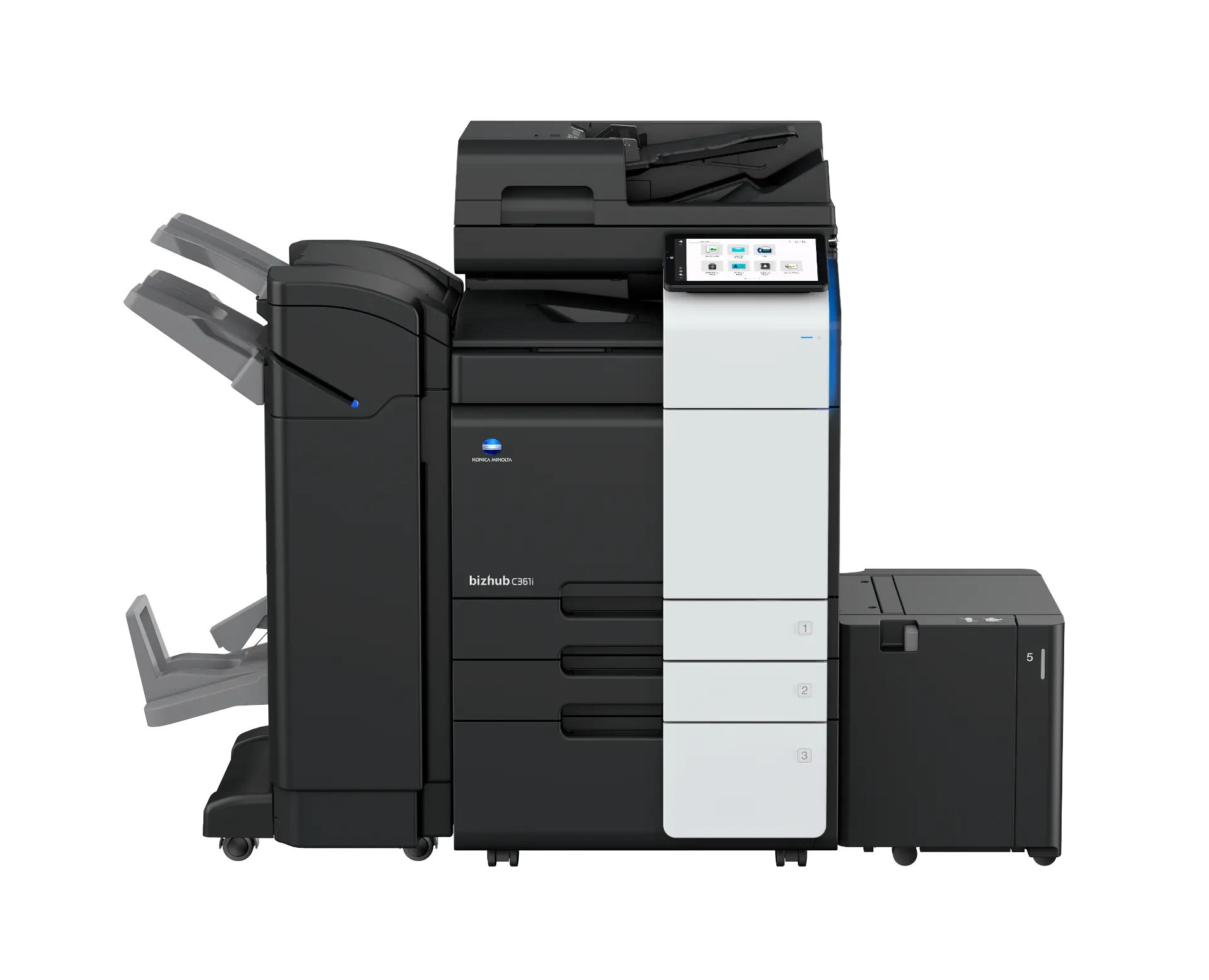
Business copiers reverse the model. The equipment is financed over a term and the consumables are folded into a per-page rate alongside service, parts and labor. You stop buying cartridges and start paying for pages — which is the only unit that actually tracks what the office consumes. Our copier lease cost guide breaks down how those rates are built.
What does a desktop printer actually cost to run?
Take a realistic office at 2,000 pages a month — a mix of black-and-white with a little color — and run five years on each route.
| Cost | Desktop printer | Leased copier |
|---|---|---|
| Equipment | $400 (×2 over 5 yrs = $800) | $0 upfront |
| Toner / consumables | $0.05 B&W, $0.15 color | Included |
| Monthly consumables | ~$110 | Included |
| Service and parts | Not covered | Included |
| Repairs | Replace the machine | Included |
| Monthly all-in | ~$110 + downtime | $209–$349 |
| 5-year total | ~$7,400 + replacements | ~$16,740 |
Read this honestly: at 2,000 pages a month the desktop printer is genuinely cheaper on paper, and we are not going to pretend otherwise. The real argument is what the desktop cannot do — no service coverage, no guaranteed uptime, no scanning to the network, no finishing, and a full replacement purchase the day it fails. Then there is volume, where the copier stops being a convenience upgrade and starts being the cheaper machine outright.
At what volume should I switch to a copier?
Here is where the two cost curves actually meet. Desktop cost is blended at $0.055 per page; the copier is a $209 plan including 5,000 pages, with overage at $0.01 black-and-white and $0.07 color.
| Monthly volume | Desktop cost | Copier cost | Cheaper |
|---|---|---|---|
| 500 pages | ~$28 | $209 | Desktop |
| 1,500 pages | ~$83 | $209 | Desktop |
| 3,000 pages | ~$165 | $209 | Roughly even |
| 5,000 pages | ~$275 | $209 | Copier |
| 8,000 pages | ~$440 | $209 + overage | Copier |
| 12,000 pages | ~$660 | $209 + overage | Copier |
The five triggers that say it is time, regardless of what the page count says:
- Cartridge spend over $100–$150 a month — you are already paying lease money.
- Volume over 1,500–2,000 pages a month — the curves are about to cross.
- Multiple people sharing one device — queues cost staff time nobody bills for.
- Buying multiple desktop printers — each one is a new consumables stream.
- Needing scanning, stapling, duplexing or finishing — the desktop simply can't.
What can a copier do that a desktop printer can't?
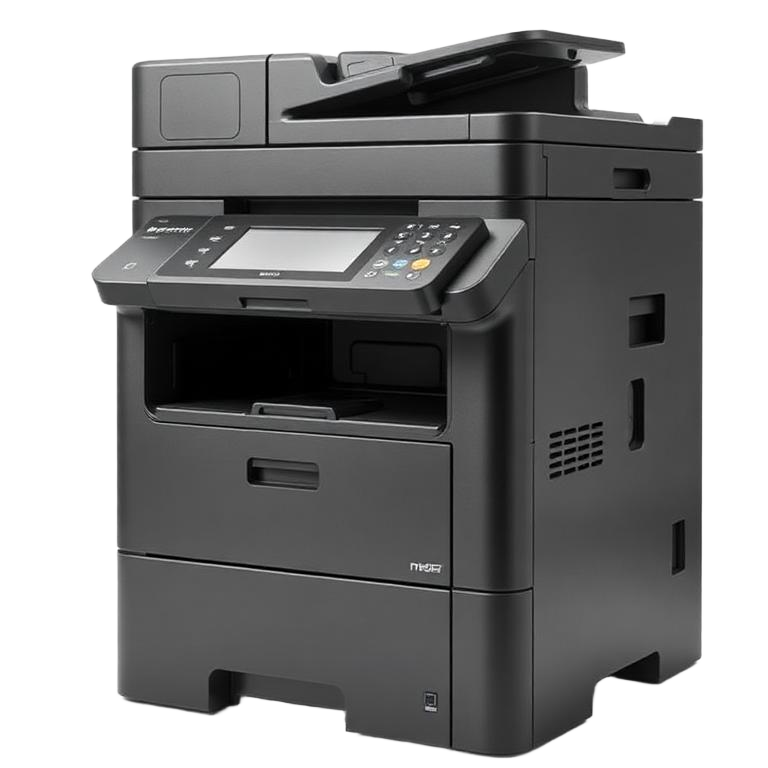
Cost per page is only half the comparison. The other half is capability, and this is where the gap is not close:
- Scanning to network and email — multi-page, double-sided, straight into a folder or an inbox instead of a phone photo.
- Duplexing at speed — automatic two-sided output at 45 pages a minute, which halves paper spend.
- Stapling and finishing — stapling, hole punch, booklet making and folding on a finisher unit.
- High-capacity trays — thousands of sheets and multiple paper stocks loaded at once, including legal and 11x17.
- Secure print release — jobs held until the person is standing at the machine with a PIN or badge.
- Meter-based service coverage — parts, labor, drums and fusers included in the page rate.
- A technician instead of a replacement purchase — a fault is a service call, not a trip to buy another machine.
For the functional side of the comparison, our copier vs. printer breakdown goes deeper on features, and the desktop toner cost breakdown runs your own cartridge spend through a calculator.
What about running both?
Many offices do, and it is a perfectly sensible setup. The pattern that works: a copier as the workhorse handling volume, scanning and finishing, with one or two desktop units kept for convenience printing at individual desks, in a private office, or where confidentiality means a document should not sit in a shared tray.
What matters is where the volume goes. Move 80% of pages onto the copier and the consumables bill collapses, because the expensive pages are the ones still running through cartridges. Offices that keep a copier but leave heavy departmental printing on desktops usually see no savings at all, and then conclude the copier didn't help.
Desktop printer vs. copier: FAQs
Is it cheaper to lease a copier or buy a desktop printer?
At low volume the desktop printer is cheaper, and any honest comparison says so. Under roughly 1,500 pages a month, cartridges cost less than a $209 lease payment. Above 3,000 pages the copier pulls ahead on consumables alone, and above 5,000 pages it is not close — plus the lease includes service, parts, labor and toner that a desktop printer never covers.
Why is printer toner so expensive?
Because the printer is sold near cost and the manufacturer earns its margin on cartridges. That is the razor-and-blades model. A $400 desktop printer can easily consume $300 to $1,300 a year in cartridges. Business copiers invert the model: the equipment is financed and the toner is bundled into a per-page rate.
What is the real cost per page on a desktop printer?
Roughly $0.05 per black-and-white page on a desktop laser and about $0.15 per page for color on an inkjet or small laser, counting consumables only. A leased copier under a service agreement runs about $0.01 black-and-white and $0.07 color — five to fifteen times less per page, with service and parts included in that number.
How many pages per month justifies a copier?
The crossover sits around 1,500 to 2,000 pages a month once you factor in service coverage and replacement machines, and around 3,000 pages on pure consumable cost. Beyond 5,000 pages a month the desktop route costs more every single month and keeps climbing.
My toner costs more than the printer did. Is that normal?
Yes, and it is expected. Cartridges routinely exceed the purchase price of the printer within the first year of business-level use. If cartridge spend is above $100 to $150 a month, you are already paying copier-lease money without getting service coverage, uptime guarantees or finishing.
Can I keep my desktop printers and add a copier?
Most offices do exactly that. The copier becomes the workhorse for volume, scanning and finishing, while one or two desktops stay for convenience printing at individual desks. What changes is where the volume goes — moving 80% of pages onto the copier is where the cost drops.
Does a copier lease include toner?
On a full-service Printree lease, yes. Equipment, service, parts, labor and toner are included in the monthly payment, with 5,000 black-and-white and 500 color pages allowed per month. Overage is billed at about $0.01 black-and-white and $0.07 color. Desktop printing has no equivalent — every cartridge is a separate purchase.
What happens when a desktop printer breaks versus a copier?
A desktop printer out of warranty is usually replaced rather than repaired, because a service call costs more than the machine. A leased copier is covered: a technician is dispatched, parts and labor are included, and there is a response-time standard. That difference is not visible in a per-page calculation, but it is the reason volume offices lease.